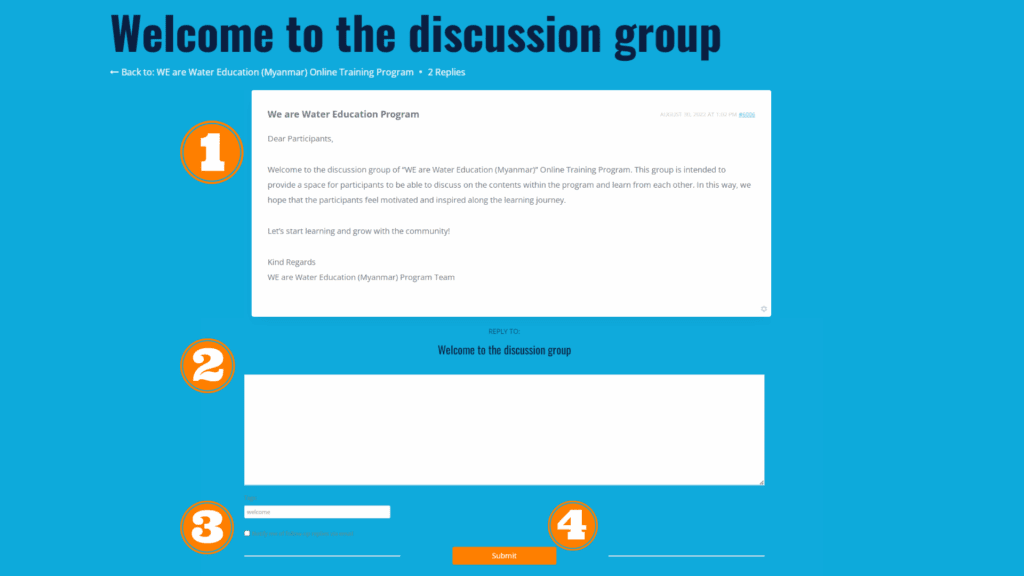

- In the discussion group, you will see the existing conversations and discussions that other students have made. If the discussion you want to made is already among them, you can see the detail discussion or join the conversation by clicking on it.
- To join the conversation, type your question or discussion in the text area.
- Check the box “Notify me of follow-up replies by mail” if you would like to receive email notifications when someone replies within the discussion.
- Click the “Submit” button.